Reading a real German book at A2 or B1 usually goes the same way. One page brings ten new words, and every one of them has an article, a plural, verb forms and a meaning you want to keep. By the time the flashcards are typed, the evening is gone and the page is still the first one.
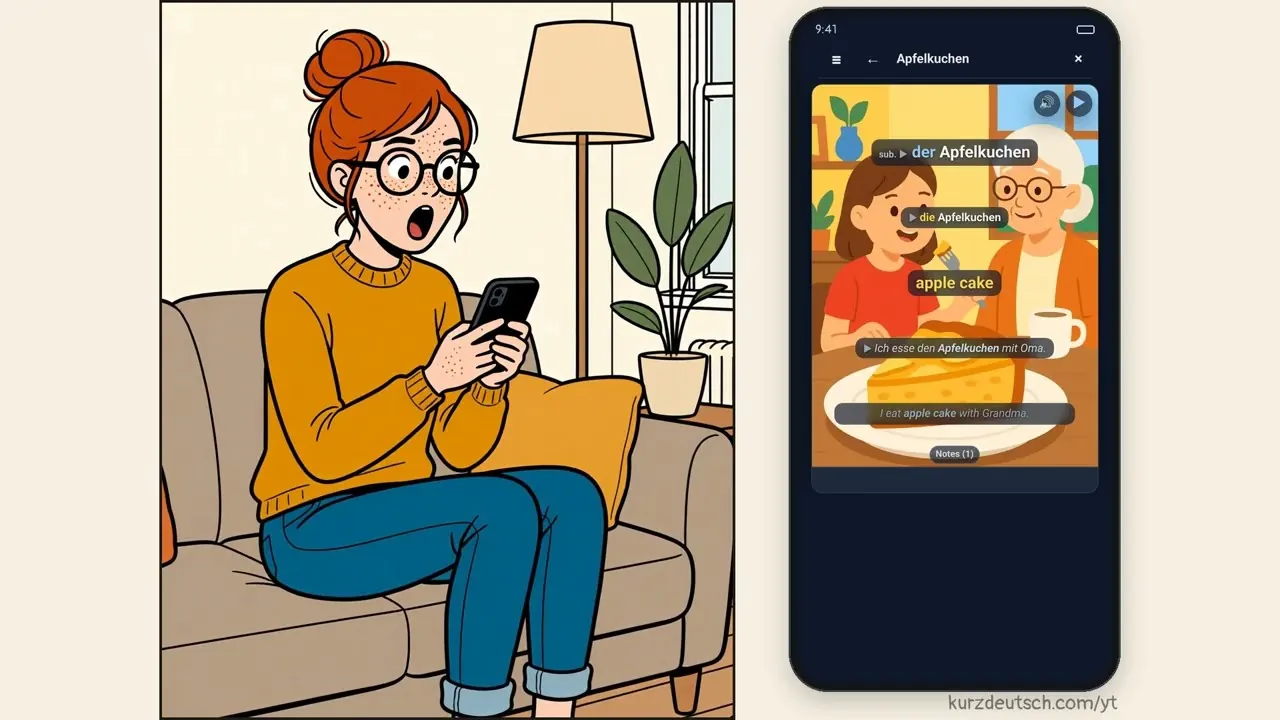
I built the reader in Kurzdeutsch for exactly that page. You take a photo of it, or paste a text, or give it a YouTube link with German subtitles, and read it in the app. Tap a word and its translation appears above it. Double-tap the words you don't know. Long-press a sentence, type your own translation and tap Check: you get a verdict and a better version. Explain breaks the sentence down, and ? lets you ask about it in your own words. When the page is done, Finish gathers the words you marked, and Make cards turns them into cards with an example sentence, a picture and audio. They show up in your training the same day.
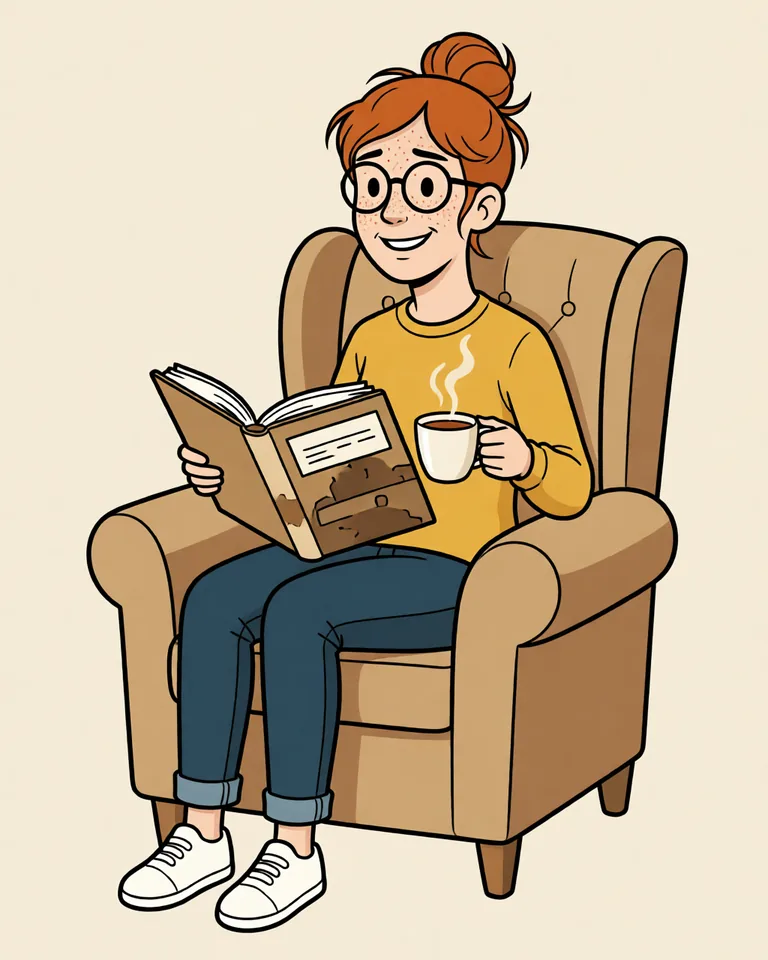
Instead of a list of features, I made it into a short comic about Lena, who wants to read German books and keeps getting stuck on page one. Under the comic there is a guide to every button, with real screens from the app and the daily limits.
The reader is an invite-only beta for now, open to the first 50 or so people. During the beta, AI features are on us within daily limits. Add your own OpenAI or Anthropic key and word hints, Check, Explain and ? run on it: you pick the model and pay the provider directly. Photos of pages stay on us within the daily limits. Words already in our catalogue become cards for free, and your first 10 brand-new words are on us too. After that, new words need your own OpenAI key, which pays for the picture, while the picture model stays fixed so all cards look the same. If you want to try it, request access in the app — I'll email you when you're in.